Account Tasks Tab
The Tasks tab shows you all tasks created for the current account. To get to the Tasks tab, first select Manage > Accounts >
Accounts. Locate and open an account. Click on the More tab, which
displays a list of additional tabs, and click on Tasks.
Note: Please see the Account Common Actions article for a guide to commonly used account features.
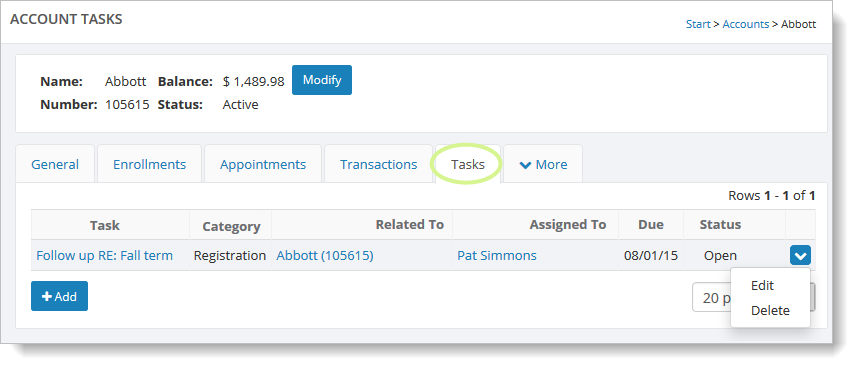
Use the "Add" button to add a new task. To edit task details or change
its status, hover over it and click the blue down arrow on the far right. This
action displays a drop-down list with the "Edit" and "Delete" commands.
To learn more about the Tasks feature, see the Tasks Overview.