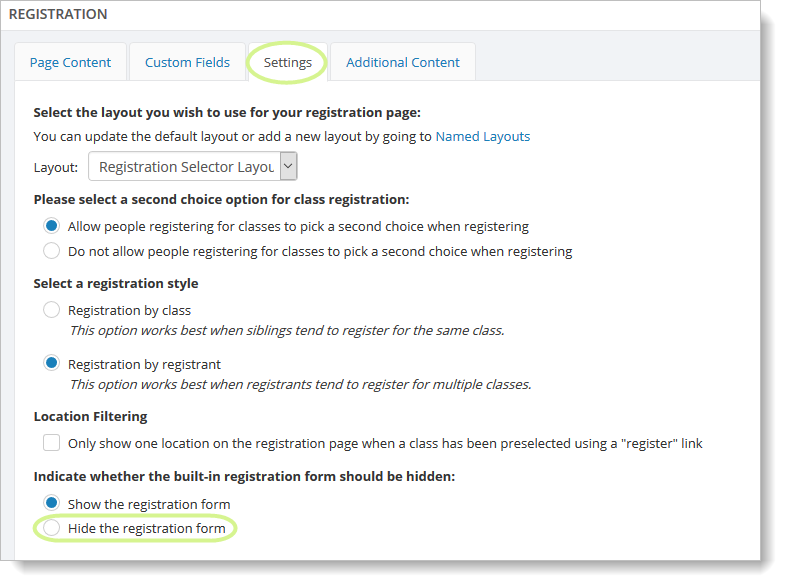
How to hide the registration form
Some customers would prefer to use their own registration form via a file attachment, third-party form or links to third-party sites. In this case, it can be convenient to hide the built-in registration form.
To hide the registration form on the Registration page, go to Website > General > Built In Pages. Select the Registration page from the grid, and select the "Settings" tab. Click on the "Hide the registration form" setting, and save your changes.