Tasks
The Tasks feature in Main Street Sites provides a simple method of tracking "To Do" items in your business. Tasks can be assigned to categories. They can have due dates and statuses. Here is the the list of tasks as seen from Manage > Activity > Tasks:
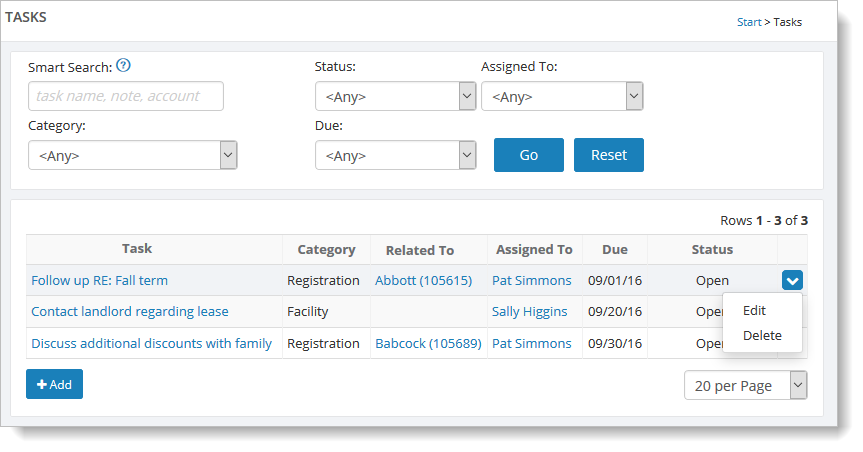
Here you'll see all of your existing tasks. Set the status filter to "Open" to see just the open tasks.
From here, you can click on the "Add" button to add a new task. If you have created any categories, you can assign one to your task. You can also assign the task to anyone you have added at Setup > General > Instructors.
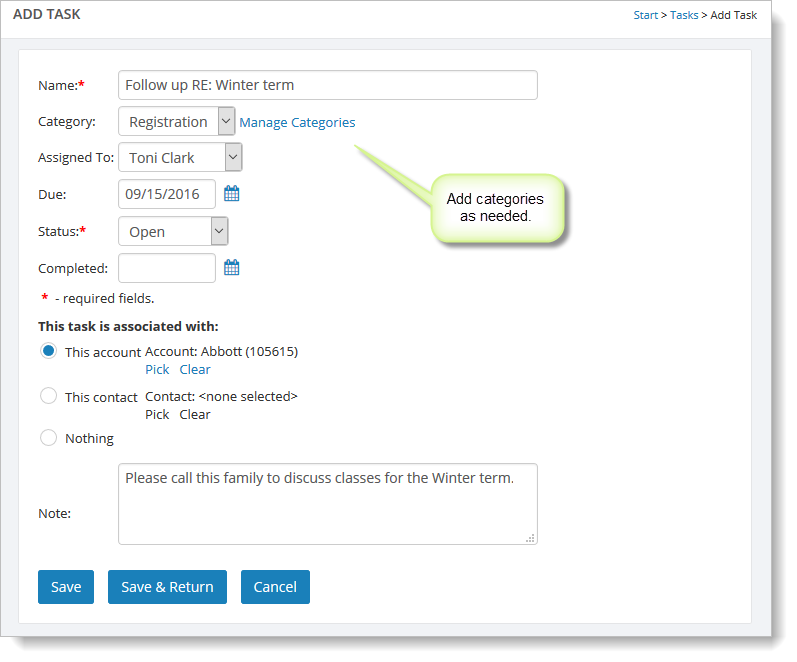
Tasks can be associated with accounts or contacts. This obviates the need to enter contact information into the task. It also means that all related tasks can be listed on the "Tasks" tab for the given account.
Using Task Categories
If you'd like to organize your tasks into categories, click on the "Manage Categories" link on the page shown above. From there, you'll see a simple list of task categories.
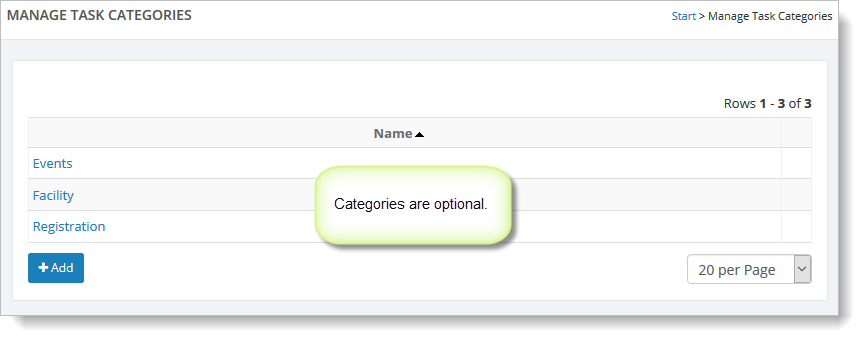
Click on the "Add" button to add a new category.