Contacts and Emails Overview
Contacts are used many different ways in Main Street Sites. Contacts can be associated with an account ("account contacts") or can be simply a name and email address you collected from your website or some other source ("non-account contacts").
Contacts can come from your website
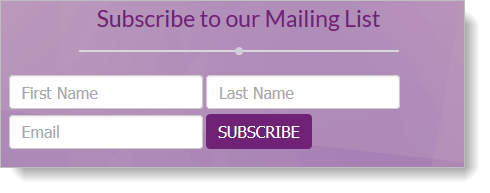
Contacts can be created when someone fills out the "Add me to your mailing list" form on your website.
Account Contacts are created for you automatically
Each time someone registers on your site, an account and contact will be created for them automatically (if one doesn't already exist). They do not need to login to their account for this to work (but they can do so if they wish).
Contacts can be used to make contact lists
The Communications > Contacts > Contact Lists feature lets you create any number of lists of your contacts. With contact lists, you can create groups of contacts based on marketing promotions, when they signed up, geographic location, etc.
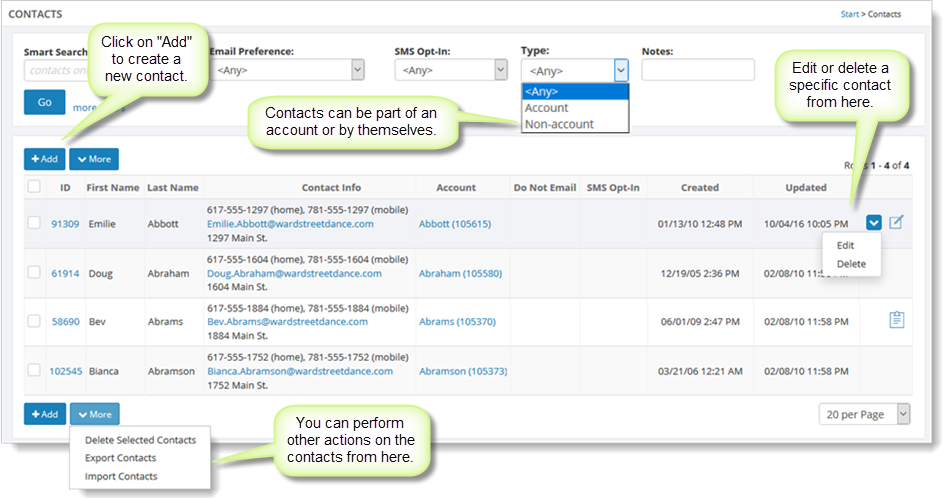
Contacts are used to send emails
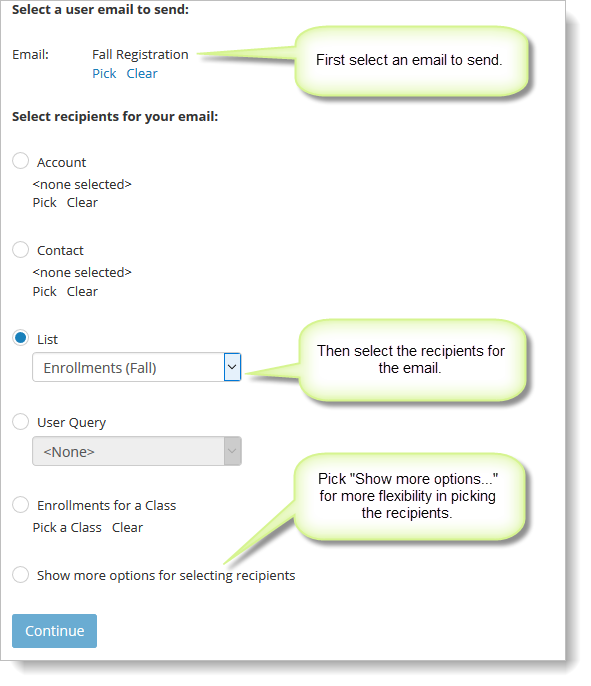
The Communications > Marketing Emails > Send Email feature can send emails to any list of contacts you choose to define. Some lists are provided for you based on your enrollment information.
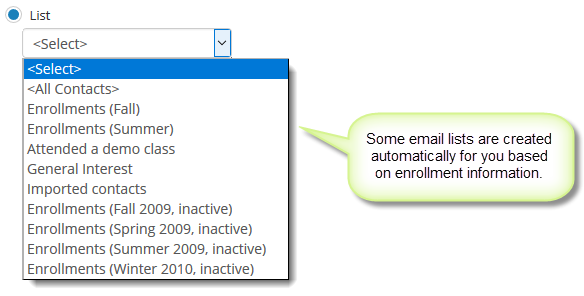
You can send emails without a list as well, based on a variety of other criteria:
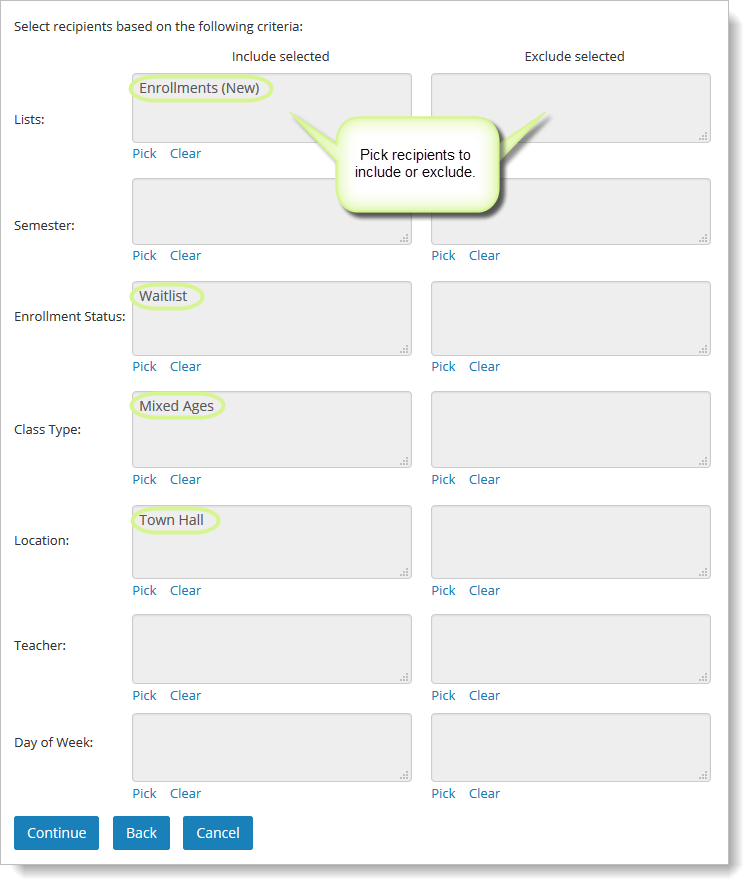
Advanced users can even send emails based on any mixture of criteria they wish to define, like this example:
Define your own emails for marketing, newsletters, etc.
You can define as many different emails to use with the Send Emails feature as you would like. See this article on User Emails for more information.
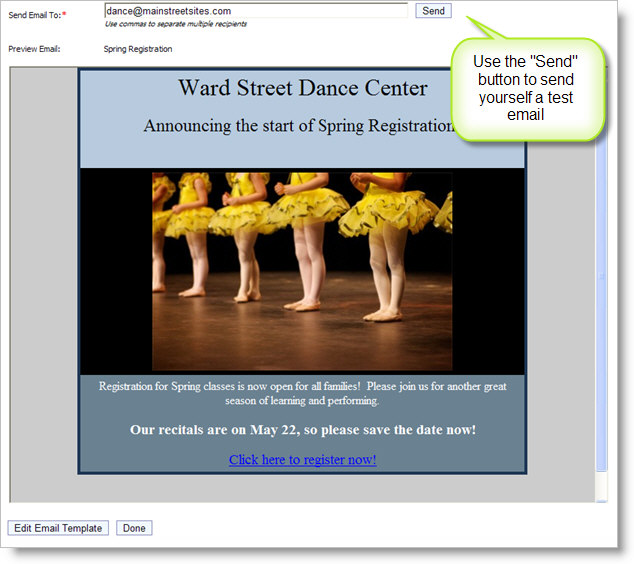
This is an example of the email preview feature: